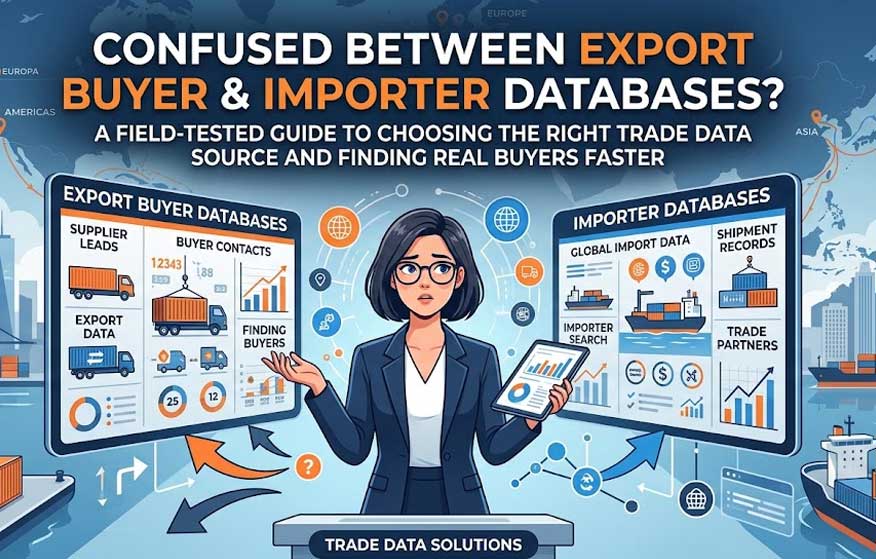
If you’ve been in export for more than a few months, you’ve probably run into this exact confusion: you need new customers, someone recommends “get a buyer database,” and within five minutes you’re staring at two very different-sounding products — an export buyer database and an importer database. They sound almost interchangeable. Sales teams use the terms loosely, and vendors don’t always help clarify things either.
Find Export Customers with AI
Analyze billions of trade data points in seconds to identify the global markets and potential customers that are right for you. Grow your export business with AI.

But on the ground, these two data sources behave very differently. Build your outreach campaign on the wrong one, and you can burn weeks of email sequences and ad spend chasing companies that were never going to buy from you in the first place.
I’ve spent over a decade in digital marketing and foreign trade, and in this guide I want to walk you through the real, practical difference between these two data types — not the textbook version, but the one that actually shows up when you’re trying to close deals. I’ll cover common mistakes, how to pick the right source for your stage of growth, and what to check before you spend a single dollar on either.
What Is an Export Buyer Database?
An export buyer database is built from customs records of companies that are shipping goods out of a country — in other words, exporters. The focus here is on “who is selling,” not “who is buying.” You see which competitors are shipping which products, to which destination countries, and in what volumes.
This data type earns its keep in situations like:
- Deepening competitor analysis in export
- Understanding which countries already import your product category heavily
- Benchmarking your pricing against competitors shipping similar goods
Here’s the catch most companies miss: an export buyer database does not hand you a ready-made list of buyers. It tells you who’s exporting, not who’s importing. Treating this data as a marketing contact list is one of the most common and costly mix-ups I see new exporters make — if you’re still at the stage of building your first list, it’s worth reading through our broader guide on finding export customers before you buy any dataset.
What Is an Importer Database?
An importer database flips the lens. It’s built around “who is buying” — showing you companies in your target country that are actively importing a specific product, from where, and how often. For a company trying to break into a new export market, this is usually the data that actually matters.
What an importer database gives you:
- A list of real, active buyer companies — not a cold-outreach guess
- Visibility into which supplier those buyers currently work with, and how frequently they order
- A data-backed foundation for outreach instead of a purely cold approach
Quick Answer (Featured Snippet target): An export buyer database tracks companies that export goods (sellers), while an importer database tracks companies that import goods (buyers). For most exporters looking for new customers, the importer database is the one that drives results.
Key Differences at a Glance
Here’s a side-by-side comparison you can come back to when you’re deciding which to prioritize.
| Feature | Export Buyer Database | Importer Database |
|---|---|---|
| Primary focus | Seller/exporter companies | Buyer/importer companies |
| Best used for | Competitor analysis, market sizing | Direct customer acquisition |
| Fit for active marketing | Low to moderate | High |
| Value for pricing strategy | High | Moderate |
| Main risk | Misdirected outreach (pitching a competitor) | Data recency matters a lot |
| Best stage to use | Pre-entry market research | Active sales/marketing phase |
The thing to remember here: these two aren’t competing options, they’re complementary layers. Experienced export teams typically start with the export buyer database to size up the market and the competitive landscape, then move down to the importer database to build the actual target list. If you’re not sure how these data layers fit into a broader research process, our piece on what a trade intelligence platform actually does is a good next read.
Three Mistakes I See Exporters Make Over and Over
After years working on both the trade and marketing sides of exporting, these are the mistakes I watch companies repeat:
- Mixing up the data type. A lot of companies buy what they think is an “importer database” and end up emailing exporter contacts instead. Result: zero conversions, wasted weeks.
- Skipping the recency check. Customs data often lags by a month, sometimes a full quarter. Pitching a buyer list that’s six months stale means chasing companies that may have already switched suppliers or exited the market.
- Treating data as a substitute for outreach strategy. Raw data gives you an email address. It doesn’t tell you how to reach the actual decision-maker behind it. Data only pays off when it’s paired with a real outreach process.
When Should You Use Which?
Here’s the straightforward rule I give clients: if your goal is direct customer acquisition, the importer database should be your priority. Use the export buyer database as a secondary layer, mainly for strategic planning and competitor tracking. If you want a deeper walkthrough of this sequencing, see our guide to export market research.
In practice, the sequence should look like this:
- Pick your target country first
- Use export/import data to understand overall import volume and trend direction in that market
- Filter the importer database down to companies ordering your product category regularly
- Reach the right person at those companies — purchasing manager, general manager, or category buyer
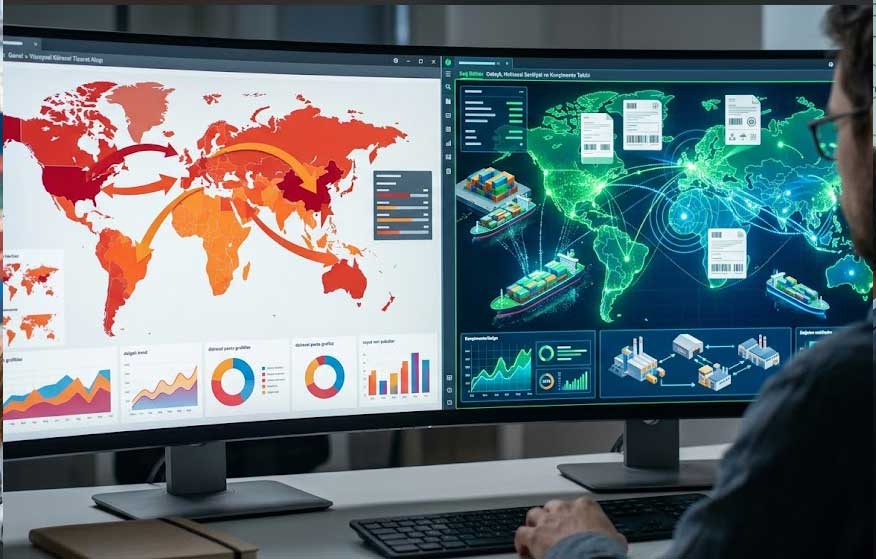
This is exactly where choosing the right platform saves you most of the heavy lifting. In my own work and in client projects, I consistently point people toward Bilvio’s export platform as one of the most practical tools for this. Instead of leaving you with raw customs data to sort through manually, Bilvio surfaces the active buyers in your target market along with their corporate contact details within seconds — essentially combining both the export and import data layers into one usable workflow instead of two separate data sources you’d have to reconcile yourself.
What to Check Before You Commit to an Importer Database
Before you start running campaigns off any importer database, run through this checklist:
- Is the data sourced from actual customs declarations, or is it a third-party estimate? The former is always more reliable.
- How often is it updated? A database refreshed monthly is far more useful than one updated annually.
- Can you filter by HS code? Searching by generic product name alone tends to pull in a lot of irrelevant matches — see our HS code guide for exporters if you’re not yet comfortable searching by code.
- Does it include named contacts (title, decision-maker) at each company, or just general firm-level data?
I’ve tested a handful of platforms against this checklist, and systems that let you search by HS code, product, and company — while also showing trend data on the same screen — genuinely speed up the process. This is another spot where Bilvio stands out: the platform brings market analysis and buyer-contact discovery into a single flow, which saves meaningful time, especially for teams that are new to exporting and don’t have a dedicated trade-data analyst on staff.
A Quick Example: A Textile Exporter’s Workflow
Say you manufacture a textile product and you’re trying to break into the European market. Step one: use an export buyer database to see which Turkish competitors are already exporting the same product category, to which countries, and at what volume. This might reveal something like “Germany and the Netherlands are saturated, but Poland has noticeably less competition.”
Step two: move to the importer database. Filter for companies in Poland that have imported your specific product code consistently over the last six months. You’ll see which supplier they currently work with and how often they place orders. Now you’re not working off a cold list — you have a data-backed shortlist of companies genuinely likely to engage.
Frequently Asked Questions
1. Are export buyer databases and importer databases the same thing? No. An export buyer database shows data on exporting companies; an importer database shows data on importing (buyer) companies. They serve different purposes.
2. Which database should a new exporter start with? Usually the export buyer database for market sizing and competitor research first, followed by the importer database once you’re ready to build a real target list.
3. Can I find a free importer database? Some national customs statistics agencies publish limited, aggregate-level data. Firm-level, contact-rich, up-to-date data is generally only available through paid professional platforms.
4. How current is the data in a typical importer database? It depends on the provider. Quality platforms refresh monthly. Always confirm update frequency before you buy.
5. Can I close sales directly from this data? The database points you to the right target — closing the sale still depends on your messaging, follow-up, and relationship management.
6. Do platforms like Bilvio combine both data types? Yes — Bilvio’s export system brings market and trend analysis together with corporate contact details for active buyers in your target market, so you’re not sourcing export data and importer data from two separate tools.